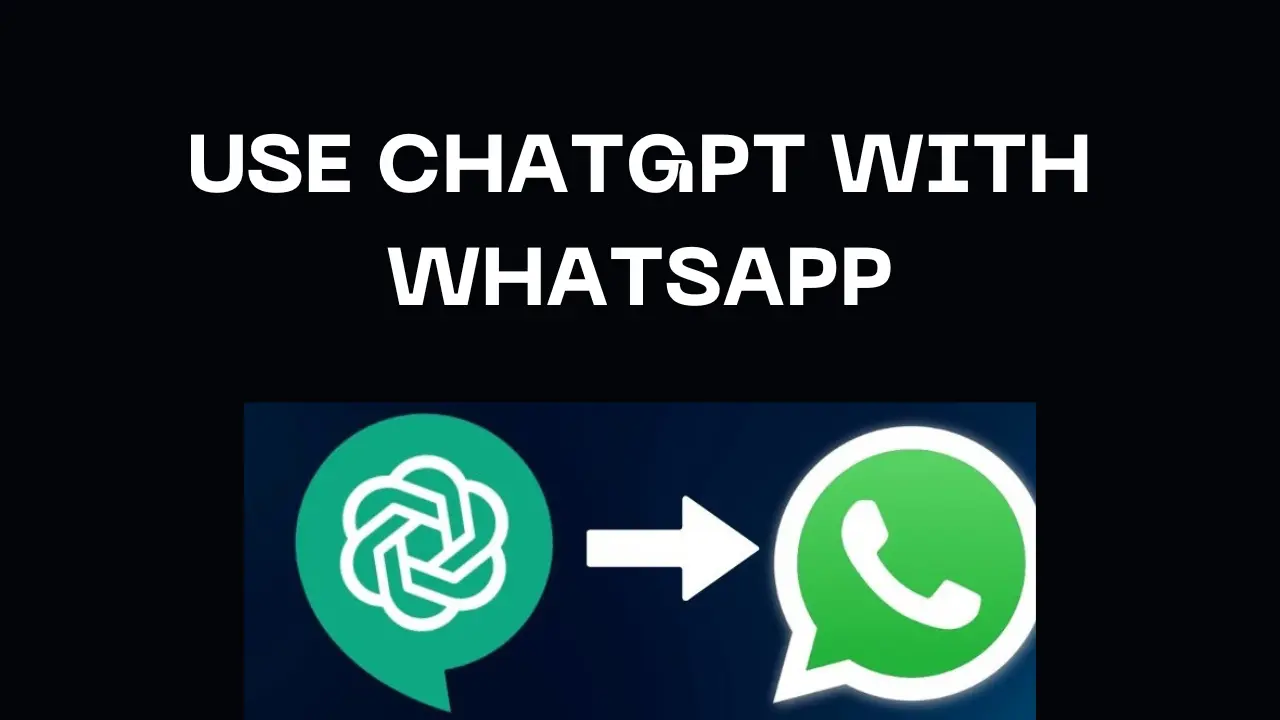
Visual guide to connecting ChatGPT with WhatsApp for AI-driven conversations.
Loading...
As a tech enthusiast who’s spent years exploring AI tools, I’ve seen firsthand how combining ChatGPT with WhatsApp can revolutionize communication. Whether you’re a business owner aiming to automate customer service or a developer curious about AI integration, this guide will walk you through everything you need to know. Let’s dive in!
Why Integrate ChatGPT with WhatsApp?
WhatsApp boasts over 2 billion users, making it a goldmine for businesses and individuals seeking instant, scalable communication. Pairing it with ChatGPT—OpenAI’s advanced language model—unlocks:
24/7 automated support for FAQs and order tracking 211.
Personalized interactions using natural language processing (NLP) 78.
Cost savings by reducing reliance on human agents 111.
Imagine a customer asking, “What’s my order status?” at midnight. With ChatGPT, they’ll get an instant, accurate reply without human intervention.
Prerequisites for Integration
Before diving in, ensure you have:
WhatsApp Business API Access: Required for automation (apply via Meta or a Business Solution Provider like Twilio) 211.
OpenAI API Key: Generate this from your OpenAI account to access ChatGPT’s capabilities 212.
Middleware or Server: A bridge to connect WhatsApp and ChatGPT (e.g., Python/Node.js server or platforms like Zapier) 35.
Method 1: Using the WhatsApp Business API and OpenAI
This approach suits developers comfortable with APIs and coding.
Step 1: Set Up WhatsApp Business API
Apply through Meta’s platform or partner with a BSP like Twilio 211.
Verify your business and obtain API credentials.
Step 2: Integrate ChatGPT via OpenAI
Use Python or Node.js to create a server that relays messages between WhatsApp and ChatGPT.
Use platforms like AWS or Heroku to host your server.
Test message accuracy, error handling, and response times 211.
Method 2: Third-Party Bot Platforms
For non-coders, platforms like Kommunicate or Shmooz AI simplify integration:
Platform
Features
Pricing
Kommunicate
Pre-built ChatGPT integration
Free trial, paid tiers
Shmooz AI
Image generation, multilingual
$2.99/month
MobileGPT
GPT-4 support, document creation
Free 5 messages
Sign Up: Create an account on platforms like Kommunicate 5.
Link WhatsApp: Connect your WhatsApp Business number via 360Dialog or similar providers 57.
Enable ChatGPT: Toggle on OpenAI integration in the dashboard 7.
Advanced Customization and NLP Techniques
To make your bot smarter:
Sentiment Analysis: Adjust responses based on user emotions (e.g., escalate frustrated users to agents) 12.
Entity Recognition: Identify locations, dates, or products for personalized replies .
Multi-Language Support: Leverage ChatGPT’s 100+ language capabilities .
Challenges and Best Practices
Pitfalls to Avoid
Privacy Concerns: Encrypt data and comply with GDPR 211.
High Costs: Optimize token usage to manage API expenses 2.
Complex Queries: Add fallback options for human agent handoffs 8.
Pro Tips
Start with a sandbox environment for testing 2.
Monitor performance metrics like uptime and user satisfaction 11.
Real-World Use Cases
E-Commerce: Carrefour uses WhatsApp bots for personalized product recommendations 11.
Healthcare: Apollo Hospitals automate appointment scheduling and reminders 8.
Banking: HSBC’s bot resolves account queries in real-time 11.
FAQs
Is coding knowledge required to integrate ChatGPT with WhatsApp?
Not always. Platforms like Shmooz AI offer no-code solutions, while custom integrations need Python/Node.js skills
How much does it cost to run a ChatGPT WhatsApp bot?
Costs vary: OpenAI charges ~0.002 per 1k tokens, while third-party tools start at $2.99/month.
Can ChatGPT handle multilingual conversations on WhatsApp?
Yes! ChatGPT supports 100+ languages, making it ideal for global audiences
Is the WhatsApp Business API free?
No—pricing depends on message volume. Partnering with BSPs like Twilio simplifies billing
How do I ensure compliance with WhatsApp’s policies?
Avoid spammy behavior, disclose bot usage, and use verified Business API accounts
Integrating ChatGPT with WhatsApp isn’t just a tech trend—it’s a strategic move to future-proof communication. Whether you choose a DIY approach or a third-party tool, the key is to start small, iterate, and scale. Ready to transform your WhatsApp chats? Let’s get started!
Ovais Mirza, a seasoned professional blogger, delves into an intriguing blend of subjects with finesse. With a passion for gaming, he navigates virtual realms, unraveling intricacies and sharing insights. His exploration extends to the realm of hacking, where he navigates the fine line between ethical and malicious hacking, offering readers a nuanced perspective. Ovais also demystifies the realm of AI, unraveling its potential and societal impacts. Surprisingly diverse, he sheds light on car donation, intertwining technology and philanthropy. Through his articulate prose, Ovais Mirza captivates audiences, fostering an intellectual journey through gaming, hacking, AI, and charitable endeavors.
Disclaimer: The articles has been written for educational purpose only. We don’t encourage hacking or cracking. In fact we are here discussing the ways that hackers are using to hack our digital assets. If we know, what methods they are using to hack, we are in very well position to secure us. It is therefore at the end of the article we also mention the prevention measures to secure us.