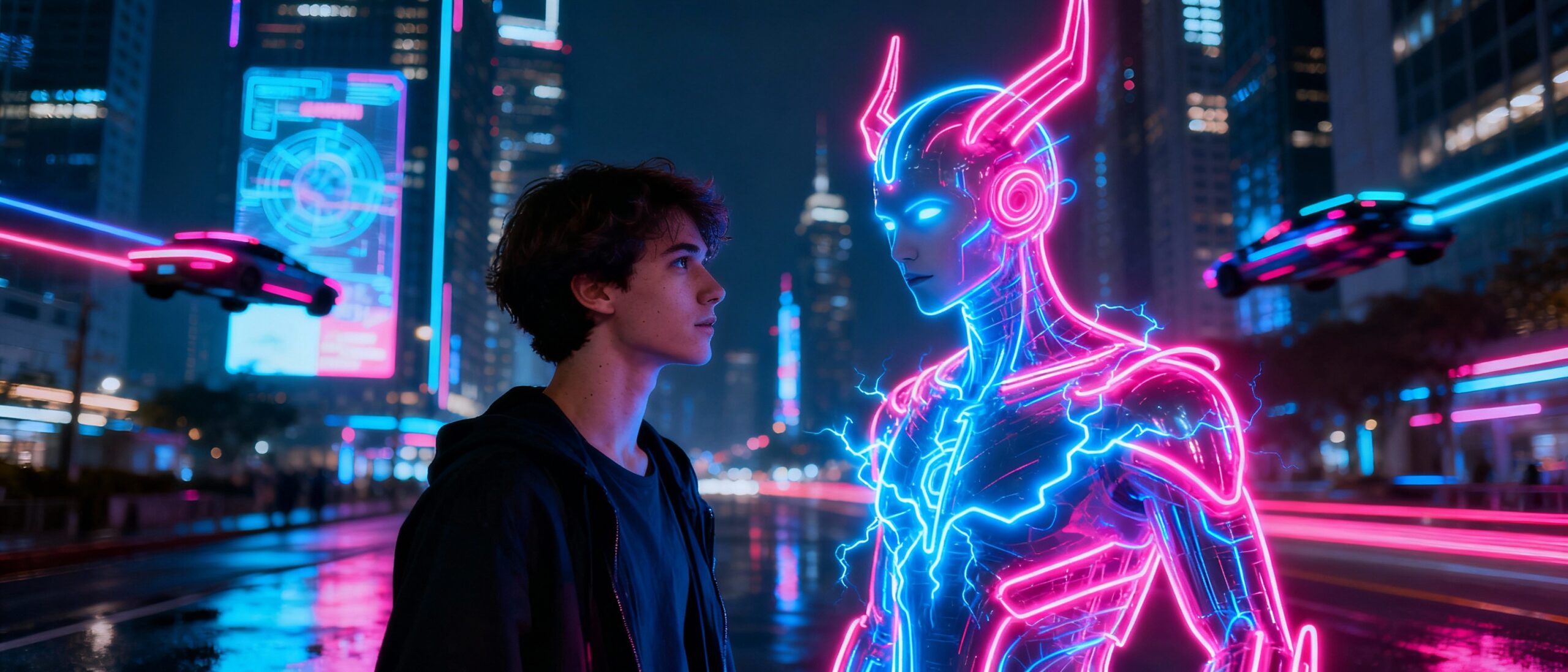
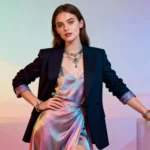
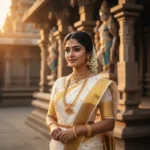
“Cinematic neon magic: Portrait transformed with Gemini AI trending prompt”
Loading...
Introduction: Neon Night Portraits Go Viral
Let me tell you, digital art has never looked cooler. In 2025, Gemini AI’s neon-themed portrait prompts set social media on fire. Overnight, timelines were flooded with bold, cinematic edits—faces outlined by luminous colors, glowing companions, dreamy city nights. Suddenly, it wasn’t just pro designers making magic. Anyone with a decent selfie and the right words could craft a masterpiece that looked straight out of a sci-fi movie.
It’s wild how expressive these neon character portraits feel—mixing fantasy, nostalgia, and tech with a single click. I’ve been hooked since my first edit!
How to Create Neon Magic with Gemini AI
You want that jaw-dropping, neon-lit photo effect? Here’s how I get it done, step-by-step:
Open Gemini AI (web, app, or the Nano Banana editor).
Pick a well-lit photo—selfie, cosplay, or group shot, but keep the background simple for best results.
Copy, paste, and tweak your selected prompt until it matches your vision.
For high output, dial up the resolution (8K if you can!), choose an aspect ratio that fits your platform, and add/swap neon colors or creatures.
Hit generate, review the neon effect, and don’t be afraid to tweak lighting, texture, or character details for that professional touch.
Finally, download the final image, upscale for sharing, and drop it on TikTok, Instagram, or anywhere you want to go viral.
I love that you don’t need photoshop experience—or any design background. Just ideas and willingness to experiment.
10 Gemini AI Prompts for Dazzling Nighttime Scenes
Ready to unleash your creativity with Gemini AI? Each prompt below is formatted as its own tidy paragraph. Just copy, tweak, and see your selfie transform!
Prompt 1: Picture yourself walking a lonely midnight street in dark casuals and sneakers. By your side, a glowing golden neon girl holding a bouquet of bright red roses. The neon character emits a gentle white glow, with the city lights blurry behind. You and your companion hold hands, reality and imagination blending into one ultra-real, dreamlike scene. The key is preserving your face 100%.
Prompt 2: Try this: You’re in a small boat on a still, moonlit river, surrounded by jungle shadows. A neon golden girl sits beside you, radiating soft, ethereal light. The city is just a haze in the background, and the whole image feels both lonely and magical—totally surreal, your facial features captured perfectly.
Prompt 3: Imagine sitting on a waterfront bench at night, dressed in casuals, with a neon-illuminated girl holding red roses next to you. Her glow contrasts with the dark ocean and far-off city lights. There’s a gentle melancholy here, as both figures look at each other, the line between real and fantasy softly blurred.
Prompt 4: Visualize yourself walking a dimly lit road at night, again with that alluring neon girl character holding red roses. The background city is distant and dreamlike, the entire shot suffused with a surreal mood—gentle, calm, filled with wonder, and both of you holding hands, glowing in the dark.
Prompt 5: How about a retro film look? Stand on a bridge at night and softly talk to a delicate silhouette—a glowing memory, perhaps. Let the AI create a faded, dreamy cinematic effect, soft grain, and old-school lighting. The neon figure, made of pale white light, glows beside you, face to face amid the nostalgia.
Prompt 6: You, in a hoodie and sweats, wander a nighttime path. Beside you is a cartoon-style neon woman, softly glowing, clutching red roses—and yes, the background gets hints of night foliage and mysterious light. The prompt makes sure your face matches the uploaded image perfectly.
Prompt 7: Let’s try a fantasy remix: you and a golden neon girl seated in the same boat, surrounded by jungle, under a dreamy city sky. The glow and mood blend chill with surreal, in a calm, magical night setting, faces fully accurate.
Prompt 8: Or, another hoodie-clad scene: walk at night, glance to your right. There, a cartoon glowing girl clutching roses glides along with you. The night’s darkness is alive with little hints of foliage and sparkle.
Prompt 9: Pop yourself onto a bench, ocean at your back and a glowing neon companion nestled beside you. Everything is softened by gentle, surreal light. You and your glowing friend lock eyes, paints an atmosphere both melancholy and wondrous.
Prompt 10: Finally, a last stroll: you and your glowing neon partner walking hand-in-hand on a misty night path, her light brilliant against the city’s distant blur, everything just a bit magical and cinematic. The prompt ensures your features look perfectly preserved.
Each of these prompts can be endlessly tweaked—change the companion’s pose, adjust background colors, add a futuristic creature or city, or mix in references from Blade Runner or cyberpunk anime for even more impact.
Tips & Tricks for Neon Portrait Perfection
Always specify neon light direction: rim light, glowing reflections, or “dynamic colored shadows” work wonders.
If you want a realistic vibe, use “keep original face,” and “editorial quality sharpness.”
For fantasy magic, add extras: fairies, dragons, mystical animals—even glowing objects or graffiti.
Use angles—side profiles, upward gazes, unusual crops—for a more cinematic shot.
Try referencing a favorite film or photography style (Blade Runner, cyberpunk, or classic analog).
Lastly, upscale and remove noise for share-worthy images, and don’t forget to experiment!
Frequently Asked Questions
1. Do I need expert photo editing skills for these results?
Not at all. With Gemini AI and well-crafted prompts, anyone can make neon portraits without using Photoshop or manual editing. Just focus on being creative and precise with your prompt wording.
2. Can I use fantasy or cosplay photos?
Absolutely. In fact, cosplay and fantasy portraits come alive with neon enhancements—just be clear about what you want, and Gemini AI will adapt details from any style.
3. How can I get that cinematic neon look?
Mix key prompt phrases: “neon rim-light,” “glowing signage reflections,” or references to cyberpunk and film styles (think Blade Runner or retro cinema).
4. What’s the secret to making my character stand out?
Tweak lighting, add neon accessories or creatures, and make sure your character’s facial features are preserved—use “keep original face” and “no cartoon filter” for high realism.
5. Are these neon portraits shareable on social platforms?
Yes! These images go viral on Instagram, TikTok, Twitter, and digital galleries. For best impact, always use high-res exports, relevant hashtags, and experiment with themes for a unique feed.
Ovais Mirza, a seasoned professional blogger, delves into an intriguing blend of subjects with finesse. With a passion for gaming, he navigates virtual realms, unraveling intricacies and sharing insights. His exploration extends to the realm of hacking, where he navigates the fine line between ethical and malicious hacking, offering readers a nuanced perspective. Ovais also demystifies the realm of AI, unraveling its potential and societal impacts. Surprisingly diverse, he sheds light on car donation, intertwining technology and philanthropy. Through his articulate prose, Ovais Mirza captivates audiences, fostering an intellectual journey through gaming, hacking, AI, and charitable endeavors.
Disclaimer: The articles has been written for educational purpose only. We don’t encourage hacking or cracking. In fact we are here discussing the ways that hackers are using to hack our digital assets. If we know, what methods they are using to hack, we are in very well position to secure us. It is therefore at the end of the article we also mention the prevention measures to secure us.