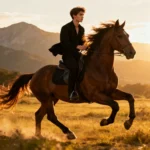
“Master bold styles with these 10 Gemini AI prompts for boys.”
Loading...
Introduction: Why Gemini AI is Game-Changing for Boys’ Portraits
I’ve been following the evolution of AI photo editing tech, and Gemini AI’s latest Part 10 prompts for boys really caught my eye. It’s like having a pro photographer and editor in your pocket—capable of transforming everyday photos into bold, cinematic portraits with crisp details and smart facial preservation. Whether you’re aiming for a gritty street style, glowing sci-fi vibe, or editorial fashion look, Gemini AI blends creativity with ultra-realism effortlessly.
Trust me, the freedom to explore new identities and personal branding through intelligent AI-powered edits is something every young guy interested in style and digital art should tap into.
How to Use Gemini AI for Stunning Bold Looks
Here’s how you’ll get the most out of Gemini AI:
Launch the Gemini AI editor on your web browser, app, or Nano Banana tool.
Upload a well-lit, sharp portrait photo—ideally with a clean background to boost AI effectivity.
Copy and paste the prompt matching your desired look or vibe.
Customize settings for resolution (HD or 8K), lighting, framing, or mood.
Hit generate, review your image, and use in-app retouch tools for sharpening, color tweaking, or background swaps.
Download your final masterpiece and share it on socials or add it to your portfolio.
This process is simple, repeatable, and powerful. You can quickly switch between styles, experiment with lighting, or create a series of looks for different vibes.
10 Fresh Gemini AI Photo Editing Prompts for Boys
Ready to jump right in? Each prompt below comes as a single paragraph—easy to copy, edit, and try out:
Prompt 1: 90s vintage editorial-style portrait of a young man leaning casually against a weathered rustic door. He grips the door with one hand; the other in black pleated trousers’ pocket. Wearing a loose beige button-up short sleeve shirt slightly unbuttoned at the chest, retro sunglasses hanging from the collar. Keep the uploaded photo face as reference for perfect likeness.
Prompt 2: Golden hour outdoor portrait beside a rustic stone wall adorned with climbing flowers in orange, pink, and purple. Soft foreground blur creates dreamy depth. The subject wears a cozy knit sweater layered over a white undershirt with a bright orange watch. Smiling joyfully, gently touching flowers, shot in natural sunlight with vibrant cinematic tones ensuring seamless realistic blending.
Prompt 3: Cinematic 8K night portrait of a young man with thick curly hair and a beard, wearing clear aviator glasses and a blue denim jacket over a grey hoodie. He leans against a vintage teal car at a gas station with moody teal lighting, shallow depth, and blurred neon gas pumps behind. Preserve exact face details from upload.
Prompt 4: Photo of a young man casually sitting on grass in a sunny field, wearing a black hoodie and pants. A large mustard-yellow circle graphic forms a backdrop behind him, a sturdy tree trunk nearby. Capture the warm golden hour sunlight with no text or distractions while preserving face identity perfectly.
Prompt 5: Cinematic portrait of a man leaning on a red Ferrari by Monaco’s coastline, captured during late afternoon with the sun reflecting on water. The wind tousles his coat, expression calm and confident. Shot with cinematic depth of field and golden sun flare, 50mm lens effects included. Use attached image face faithfully.
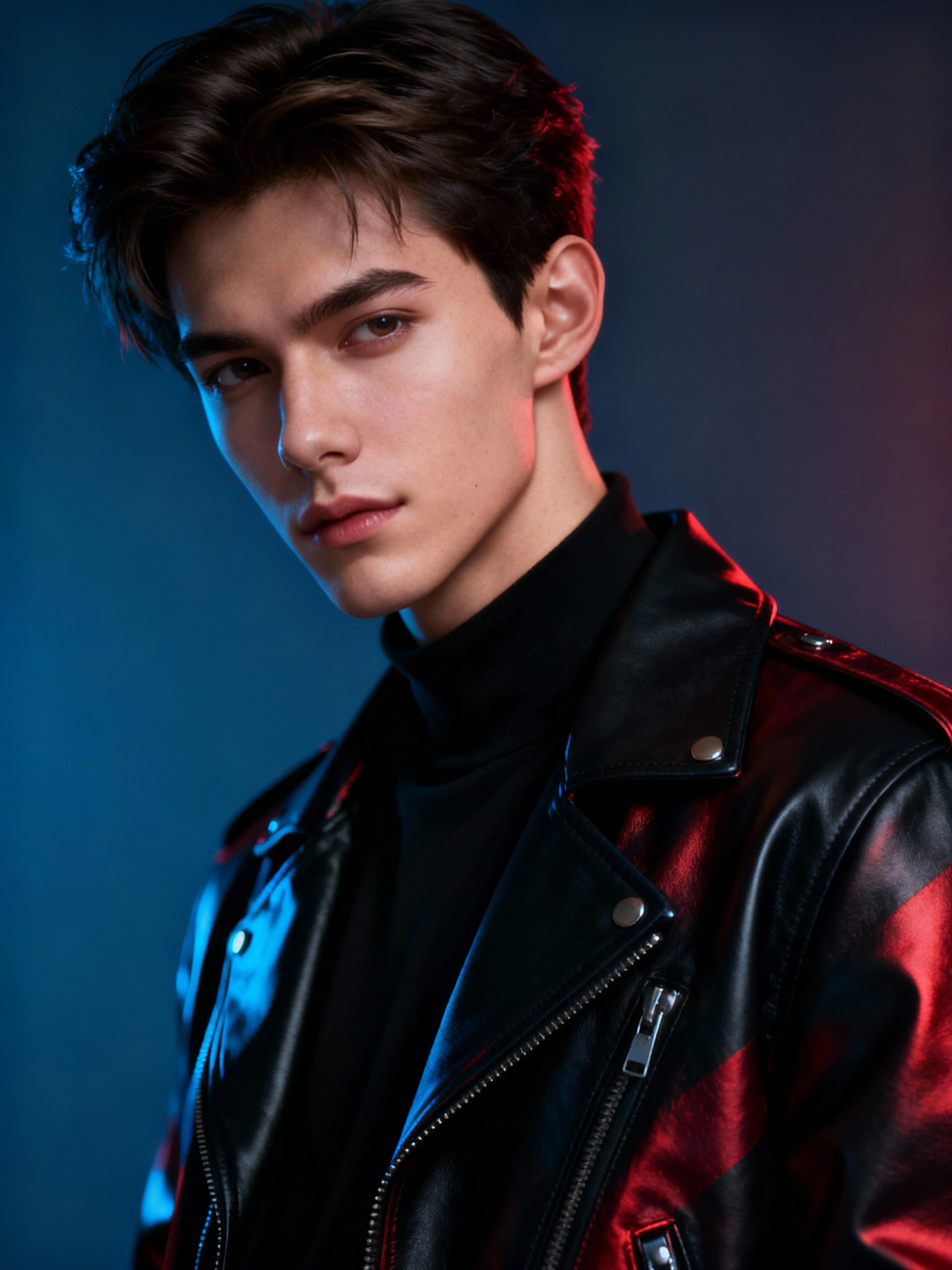
Prompt 6: Studio portrait against a monochrome minimalist backdrop, with soft diffused lighting accentuating texture and posture. The subject wears a tailored black turtleneck and wristwatch, gazing quietly into the lens as if on a Vogue cover. Ultra-detailed with sharp, moody lighting. Keep face from attached image intact.
Prompt 7: Photo of a confident man walking in Manhattan’s downtown blue hour. Neon reflections glisten on skyscrapers; he wears a slim navy suit with open collar and luxury watch. Subtle motion blur captures energy naturally. Face reference from attachment preserved.
Prompt 8: Warm morning café terrace shot of a man sipping espresso. He’s reading a newspaper, clad in a beige trench coat over a turtleneck, with Parisian architecture blurred behind. Cinematic ambiance delivered via an 85mm lens style, authentic editorial look. Face unchanged from the reference uploaded.
Prompt 9: Low-angle photorealistic portrait of a young man on stairs outside a famous China residential building. Dressed in cool streetwear and Nike Jordans, he leans forward with an intense gaze. The shot features urban textures, warm sunlight, and rich bokeh in the background.
Prompt 10: Hyperrealistic editorial portrait in a dark studio with dramatic spotlight. The subject wears a white suit, unbuttoned silk shirt, Messi-inspired hair. Both hands casually in pockets, head tilted up confidently. Surround the figure with a subtle smoke column for atmospheric depth. Keep the face exactly the same.
Tips for Mastering AI-Powered Stylish Edits
Always use clear, high-res photos for best detail retention.
Get specific in your prompts: think poses, lighting, mood, clothing, and scenery elements.
Specify which features to keep unchanged (face, eyes, hair) to maintain identity authenticity.
Combine styles and filters — ’90s film, golden hour, editorial glam — to craft unique vibes.
Experiment with background swaps for storytelling through image context.
Download different versions and compare to pick the boldest look for branding or social posts.
Frequently Asked Questions
1. Can beginners get great results with these prompts?
Absolutely! Gemini AI is designed for all skill levels. Just upload a clean photo, tweak the prompt, and let AI do the rest.
2. Are these prompts customizable?
Definitely. You can modify clothing, background, lighting, or mood details easily to suit your style or occasion.
3. How do I maintain facial accuracy with edits?
Use prompt instructions like “keep face unchanged” or “use uploaded photo as face reference” to preserve the subject’s identity perfectly.
4. What resolution is ideal for Gemini AI portraits?
8K resolution offers the sharpest images, but HD works well too especially for social media posts.
5. Can these images be used for professional portfolios?
Yes, these ultra-realistic portraits meet editorial standards, making them excellent for personal brands or creative portfolios.
Ovais Mirza, a seasoned professional blogger, delves into an intriguing blend of subjects with finesse. With a passion for gaming, he navigates virtual realms, unraveling intricacies and sharing insights. His exploration extends to the realm of hacking, where he navigates the fine line between ethical and malicious hacking, offering readers a nuanced perspective. Ovais also demystifies the realm of AI, unraveling its potential and societal impacts. Surprisingly diverse, he sheds light on car donation, intertwining technology and philanthropy. Through his articulate prose, Ovais Mirza captivates audiences, fostering an intellectual journey through gaming, hacking, AI, and charitable endeavors.
Disclaimer: The articles has been written for educational purpose only. We don’t encourage hacking or cracking. In fact we are here discussing the ways that hackers are using to hack our digital assets. If we know, what methods they are using to hack, we are in very well position to secure us. It is therefore at the end of the article we also mention the prevention measures to secure us.